
TempPro indoor outdoor hygrometers: model differences
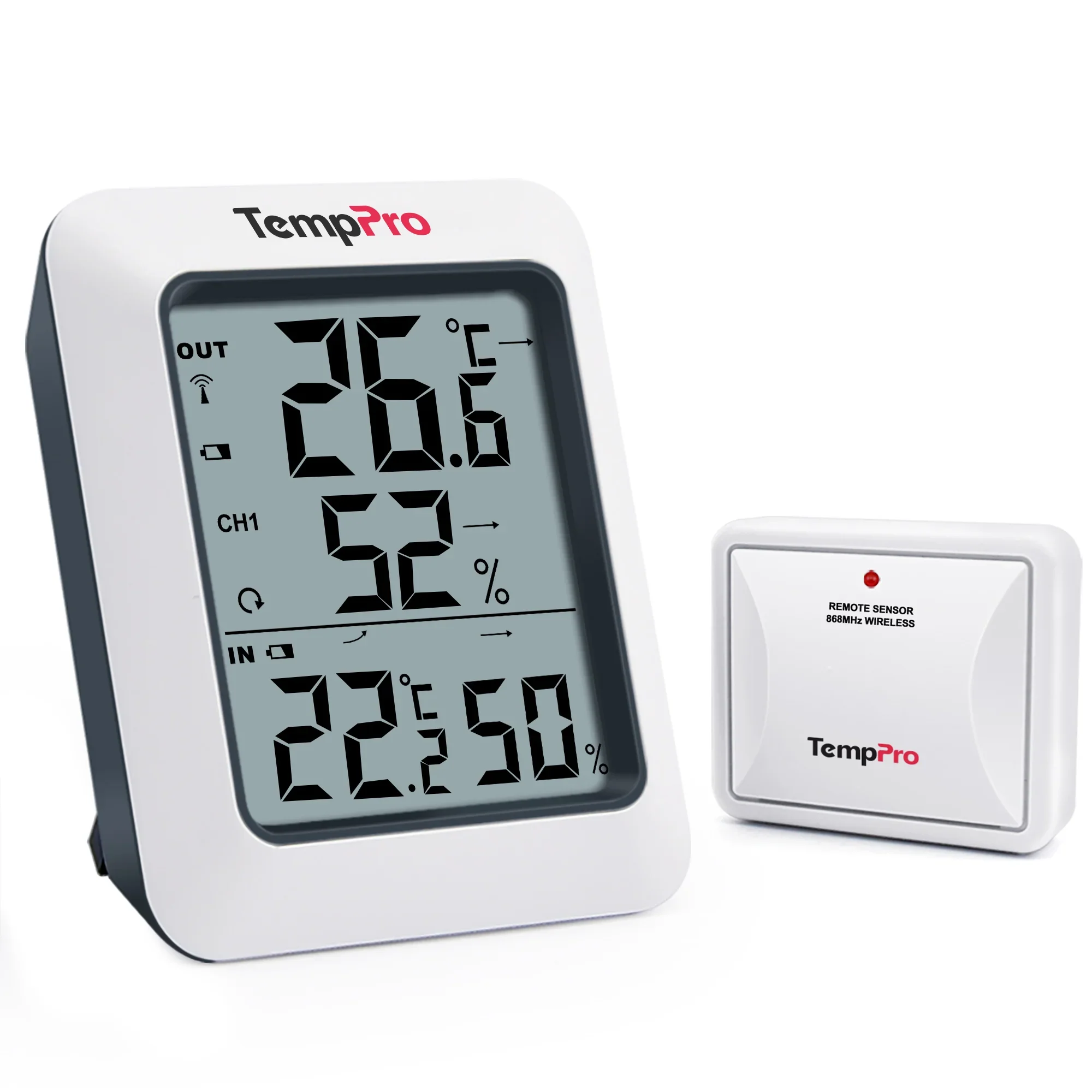
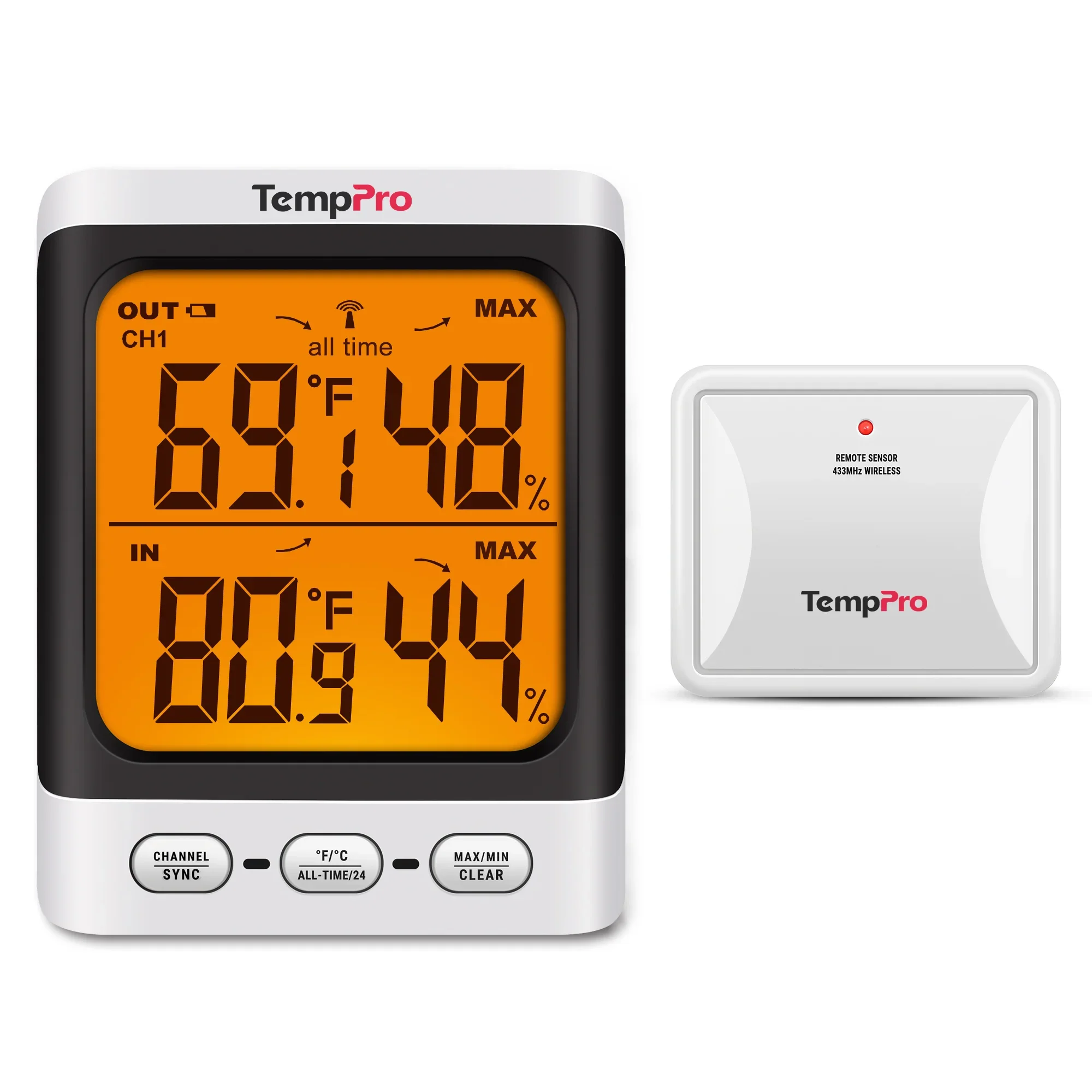
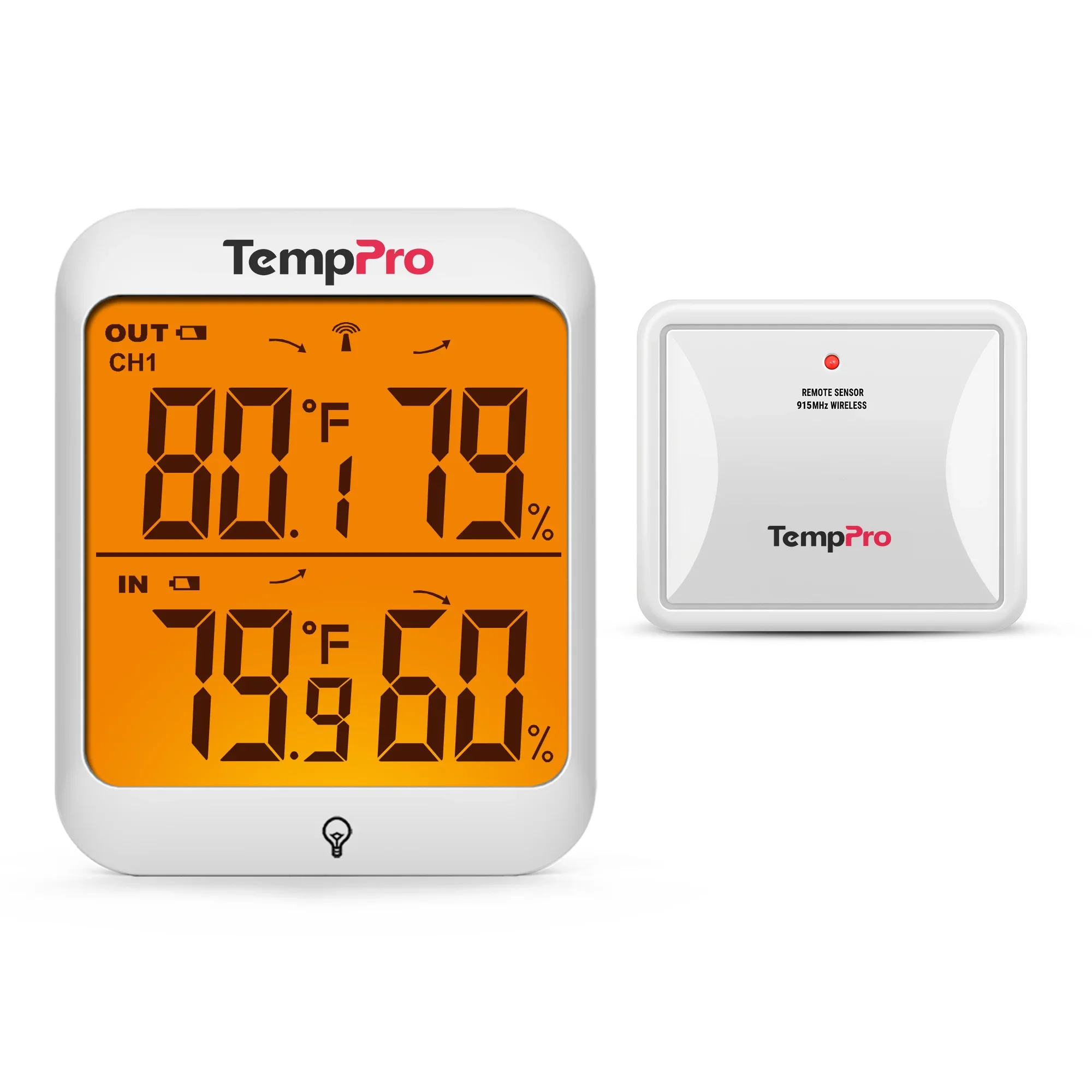
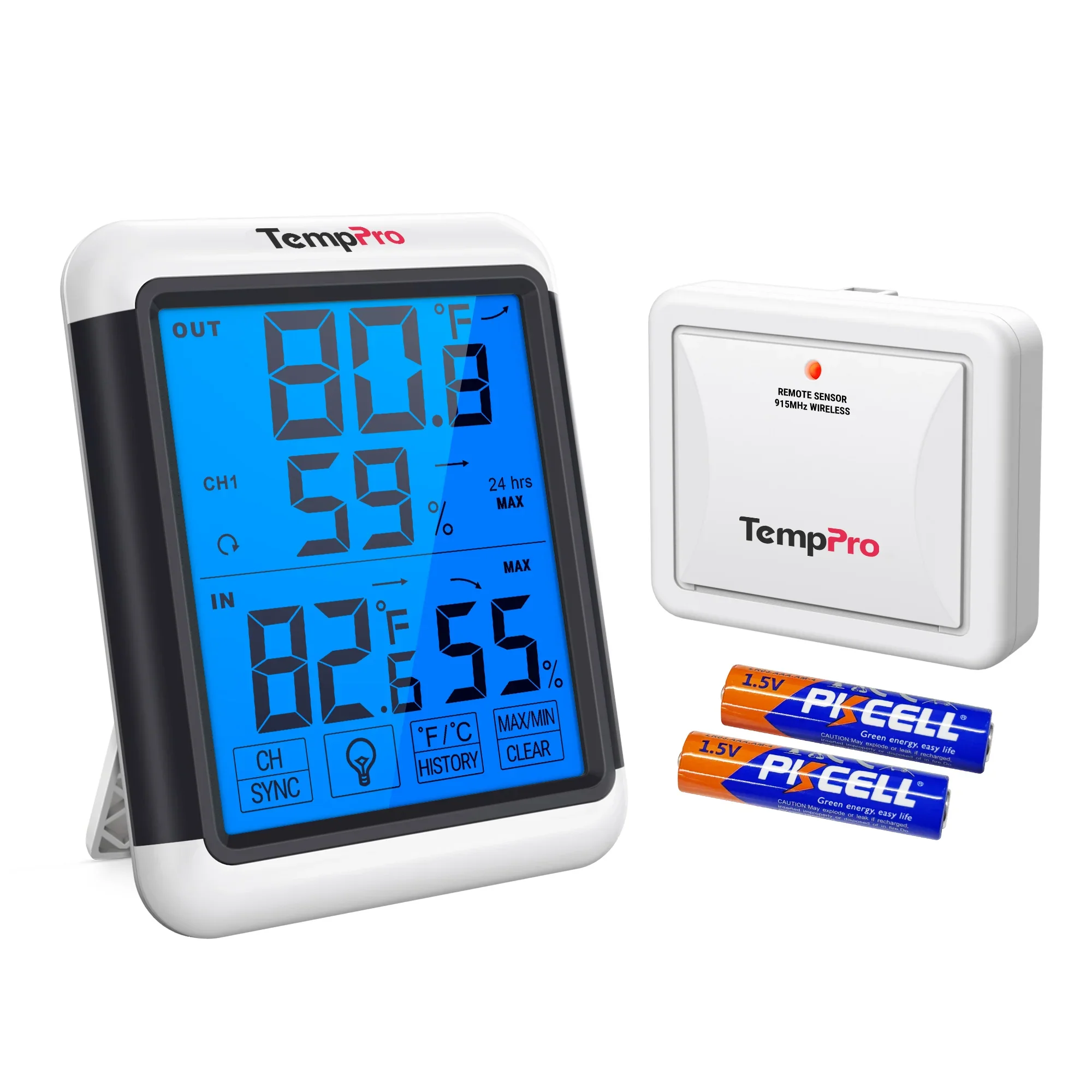
All six humidity monitors measure temperature and relative humidity at the base and receive readings from remote sensors. Relative humidity, shown as RH, describes how close the air is to saturation at its current temperature. Each base supports up to three remote sensors, which can be placed in other rooms, a garage or outdoors. The radio connection needs neither a phone nor home Wi-Fi. [1] [2] [3] [4] [5] [6]
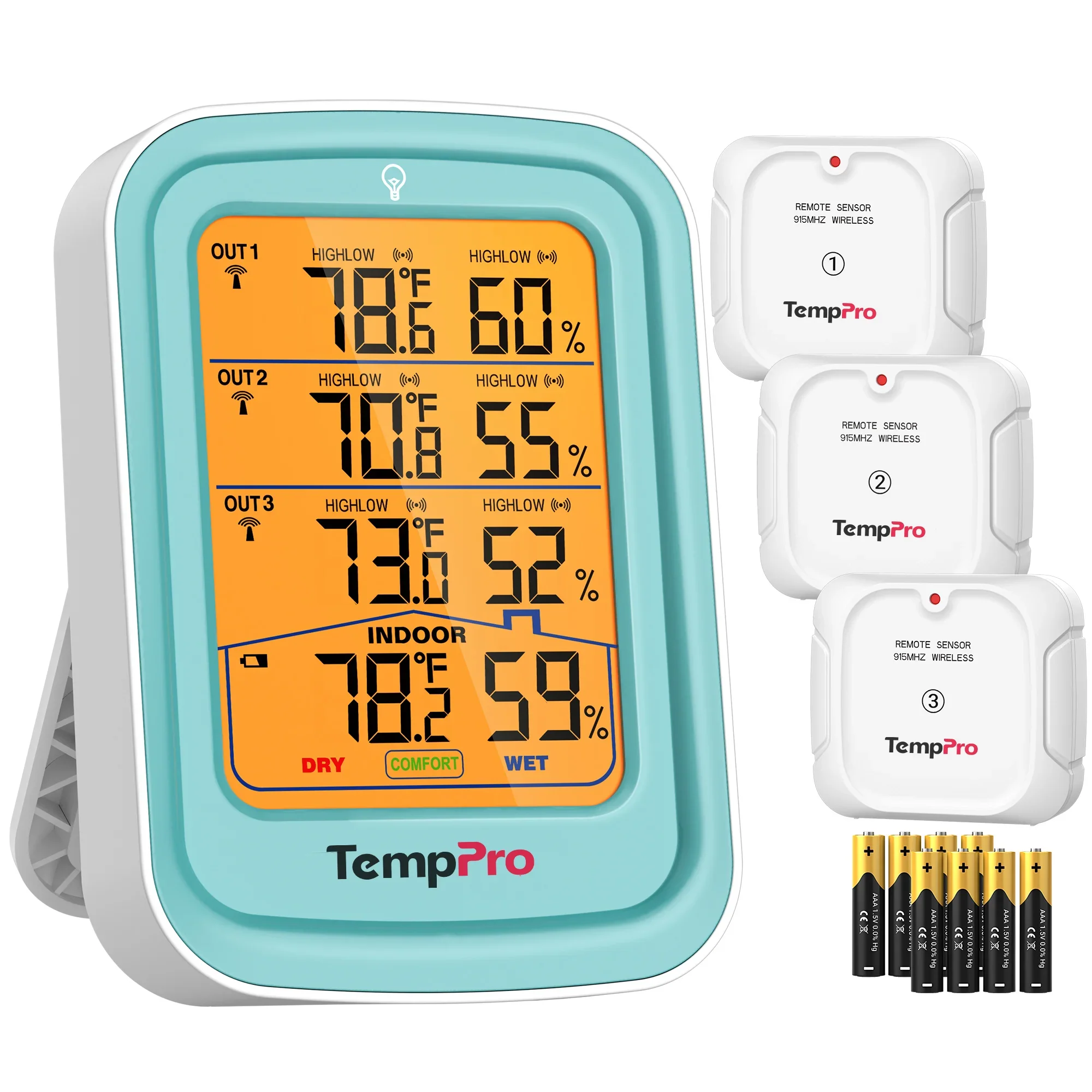
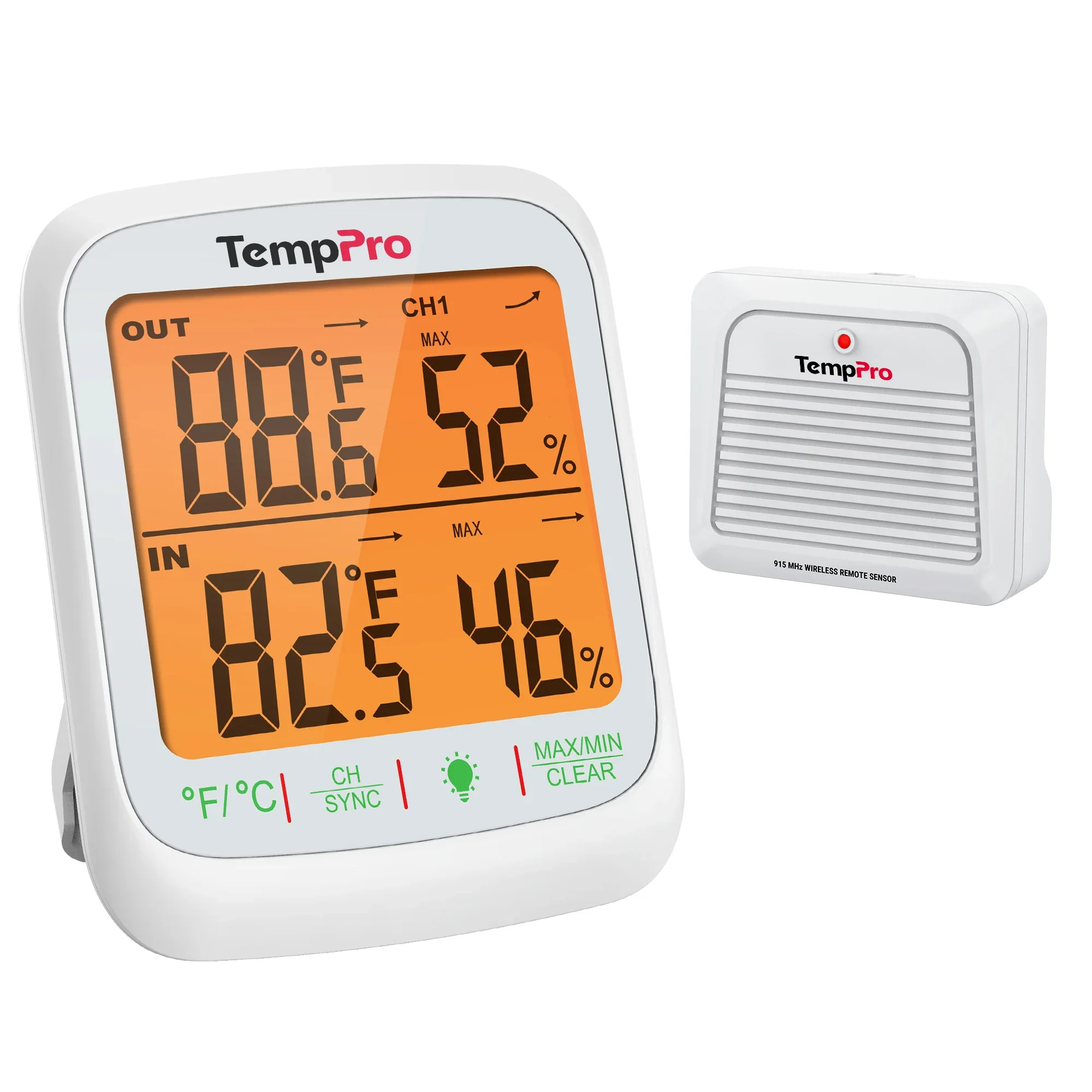
The TP220B displays the base and all three remote sensors at once. The other five models display the base and one selected remote sensor. You can switch remote channels with a button or cycle through them automatically every five seconds. [1] [2] [3] [4] [5] [6]
On narrow screens, scroll the table horizontally.
| Model | Remote sensors included | Readings shown together | Backlight | Advertised range* |
|---|---|---|---|---|
| TP60B [1] | 1; bundles with 2 or 3 also listed | Base + one sensor | None | 500 ft (about 150 m) |
| TP62B [2] | 1 | Base + one sensor | 10 seconds | 500 ft (about 150 m) |
| TP63B [3] | 1; a 2-sensor bundle also listed | Base + one sensor | 15 seconds | 500 ft (about 150 m) |
| TP65B [4] | 1; a 2-sensor bundle also listed | Base + one sensor | 15 seconds | 500 ft (about 150 m) |
| TP220B [5] | 3 | Base + three sensors | 10 seconds | 500 ft (about 150 m) |
| TP260B [6] | 1 | Base + one sensor | 15 seconds | 1,000 ft (about 300 m) |
*Manufacturer range claims apply to open space. Bundles checked in the TempPro store on November 6, 2026; available options can be selected on the linked product pages. [7]
The TP60B suits a location where you do not need a backlight. The TP62B has physical buttons on the front. On the TP63B, the backlight is activated from the front, while the other buttons are on the back. The TP65B and TP260B have four touch buttons below the screen. [1] [2] [3] [4] [6]
If you want to see three remote sensors without switching channels, the TP220B is the option in this group. It also lets you set temperature and humidity limits for each remote channel and sounds an alarm when a reading crosses a limit. [5]
Sensors, channels and compatibility
“Up to four locations” includes the base, which measures the air where it stands. A kit with one remote sensor covers two locations. Three remote locations require three sensors, each using a separate channel. [1] [6]
The current TP60B, TP62B, TP63B and TP65B manuals specify the TX-2B replacement sensor for the US version. The TP260B manual specifies TX-7B; TX-7C is for the European version. When buying a replacement, match both the receiver model and regional version. [1] [2] [3] [4] [6]
The TP220B sensors are assigned to OUT1, OUT2 and OUT3. A replacement must have the same channel number: the manual says an OUT2 sensor cannot replace OUT1. It does not name TX-2B or TX-7B as replacements for this model. [5]
The TP200B looks similar but measures temperature only. It cannot monitor humidity. [8]
The TempPro TP280B weather station adds barometric pressure, pressure history and a local forecast to indoor and outdoor temperature and humidity readings.
Radio range and sensor placement
The TP260B has the longest advertised range here: up to 1,000 feet, compared with 500 feet for the other models. Its product page specifies a temperature of 77°F (25°C), no obstructions and no electromagnetic interference. That figure does not establish how far the signal will travel through walls. [6] [7]
Pair the sensors beside the base first, then move them to their locations and check reception. If readings disappear, the manuals recommend pairing again or changing the position of the base and sensor. Mounting the base on metal can also reduce range. [1] [6]
Keep the base indoors, away from direct sunlight, vents and sources of heating or cooling. Outdoors, place the remote sensor under shelter from direct rain and sunlight, with air able to circulate around it. The TP63B and TP220B manuals explicitly require a protected location. The TP60B, TP62B, TP65B and TP260B manuals also specify an upright position to keep water from entering the bottom ventilation holes. [1] [2] [3] [4] [5] [6]
The TP220B sensors are rated IPX4, but their manual still requires protection from direct rain. Do not immerse them in water. [5]
In a garage, a sensor measures the air around it. Finding the source of dampness may require more than those readings: condensation, a leak and moisture coming through a concrete slab need different checks. See the garage humidity guide for that investigation.
Highs, lows and audible alarms
All six models display maximum and minimum temperature and humidity. The TP60B, TP62B, TP63B and TP65B offer ALL TIME and 24 HR modes. Their manuals describe the periods inconsistently: beside the period selection, they say both modes run from the last memory reset or battery installation. Those documents do not establish an automatic reset once a day. [1] [2] [3] [4]
The TP220B and TP260B manuals explicitly describe highs and lows for the past 24 hours. These values do not show when humidity was high or how long it stayed there. For a graph and exported measurements, see the separate TempPro TP350, TP357, TP358 and TP359 app models. [5] [6]
TP220B: alarms for readings outside your limits
You can set upper and lower temperature and humidity limits for each of the three remote channels. When a reading crosses a limit, the corresponding value flashes and the base sounds an alarm. Pressing any button silences it. The alarm sounds at the base and does not need a phone. [5]
Accuracy and cold-weather limits
All six models specify a humidity range of 10-99% RH. The TP60B, TP62B, TP63B and TP65B manuals list an accuracy of ±2 percentage points at 30-80% RH and ±3 points outside that interval. For the TP220B, the ±2-point interval starts at 20% RH. These are manufacturer specifications. [1] [2] [3] [4] [5]
The TP260B product page lists ±2 points at 20-80% RH and ±3 outside that interval. Its manual gives overlapping limits: ±2 at 20-80%, but also ±3 below 30%. The documents therefore disagree for 20-30% RH. [6] [7]
For temperature, the TP60B, TP62B, TP63B and TP65B manuals list ±2°F (±1.1°C). The TP220B specifies ±0.9°F (±0.5°C) from 32 to 140°F (0 to 60°C), and ±1.8°F (±1°C) outside that interval. The TP260B specifies ±0.5°F (±0.3°C) from 32 to 158°F (0 to 70°C), and ±0.9°F (±0.5°C) outside it. The TP260B's tighter temperature specification does not establish better humidity accuracy. [1] [2] [3] [4] [5] [6]
The TP60B and TP62B manuals give their outdoor sensors a range of -4 to 158°F (-20 to 70°C); the TP220B manual gives -4 to 140°F (-20 to 60°C). For the TP63B, TP65B and TP260B, the lower limit differs between manual sections or between the manual and store page. For example, the TP65B manual says -4°F (-20°C), while its product page says -40°F (-40°C). The published documents do not establish one consistent lower limit for those three models. [1] [2] [3] [4] [5] [6] [7]
For general placement and interpretation, see the humidity sensor guide.
Batteries, bundles and warranty
The TP60B, TP62B, TP63B, TP65B and TP260B use two AAA batteries in the base and two in each remote sensor. The TP220B needs three AAA batteries in the base and two in each of its three sensors, nine in total. In a response to Aridalia's editorial inquiry received on November 5, 2026, the manufacturer separately confirmed AAA power for the TP220B and the TP260B remote sensor. [1] [2] [3] [4] [5] [6] [9]
When checking prices, compare the number of sensors in the selected bundle. A three-sensor TP60B kit and a TP220B both cover three remote locations, but display them differently: the TP60B switches channels; the TP220B shows them together. The TP220B was sold out in the manufacturer's store on November 6, 2026. [7]
TempPro provides a one-year limited warranty and advertises three years after product registration. Registration requires an order number or proof of purchase. [10]
Questions before buying
Can I put a remote sensor in another room?
Yes. The remote sensors can also be used indoors. They send readings to the base by radio; no phone or Wi-Fi is needed.
Which model shows all three remote sensors at once?
The TP220B. Its screen shows all three remote channels and the base readings together. The TP60B, TP62B, TP63B, TP65B and TP260B show one selected remote channel alongside the base.
Does the TP62B have a backlight?
Yes. Its manual describes a touch-activated backlight that turns off automatically after 10 seconds. The TP60B has no backlight.
Can the TP200B measure humidity?
No. The TP200B measures temperature only. All six models compared here measure humidity.
Sources
Manufacturer manuals and product pages checked on November 6, 2026. This comparison covers US versions. Older versions with different suffixes may differ.
- TP60B/C manual, 60B/C-V20260601 EN: display, channels, batteries, placement, specifications and replacement sensor.
- TP62B manual, 62B-V20251208 EN: sections 3-9, specifications and additional sensors.
- TP63B/TP63C English and French manual: English sections on display, controls, placement and compatibility; conflicting lower temperature limits in sections 6 and 15.
- TP65B/C manual, 65B(C)-V20251217 EN: specifications, touch buttons, memory, batteries and placement.
- TP220B manual, 220B-V20260605 EN: four-row display diagram, batteries, channels, IPX4, MAX/MIN and alarms.
- TP260B manual, 260B-V20251027 EN: sections 3-11 and 15. The document contains conflicting lower sensor temperatures and humidity accuracy intervals.
- TempPro store pages: TP60B, TP62B, TP63B, TP65B, TP220B, TP260B. Bundles, availability, photographs and range conditions. These product links are affiliate links.
- TP200B manufacturer page: temperature-only measurement.
- TempPro response to Aridalia's editorial inquiry, received November 5, 2026: TP220B and TP260B batteries, TP220B specifications and image permission. Correspondence retained by the editorial team.
- TempPro warranty and returns; product registration.